Stop Using One-Liner Prompts
Here is a prompt most people have written at some point: “Write me a blog post about productivity.”
And here is what they got back: a 600-word wall of generic advice about to-do lists, time-blocking, and the Pomodoro Technique. Technically correct. Completely useless.
The model didn’t fail. You gave it almost no information to work with, so it filled the vacuum with the statistical average of every productivity article on the internet. That is exactly what it is designed to do.
The fix is not a better model. It is more context.
Why One-Liner Prompts Produce Generic Output
A large language model generating a response is not searching for an answer. It is constructing one, token by token, based on everything you gave it as input. When your input is a single vague sentence, the model’s output distribution is nearly unconstrained — it has to guess what you actually need across hundreds of plausible interpretations.
The model’s default behavior under these conditions is to regress toward the mean. It produces the most broadly applicable, most commonly expected response for the type of request it detected. That response is almost never what you specifically needed.
Context is the mechanism that changes this. Every piece of context you add is a constraint that narrows the model’s output space. More constraints mean fewer plausible responses — and the remaining ones are statistically closer to what you actually want.
This is not intuitive. Most people treat AI like a search engine: short query, expect a good result. The output model is closer to a contractor than a search engine. A contractor who receives a one-sentence brief will build you something generic. Give them blueprints, measurements, and a client brief, and they build what you actually need.
The Specific Dimensions of Context That Matter
Context is not just “more information.” Different types of information constrain different dimensions of the output. Understanding which type is missing is how you diagnose why a prompt produced a bad result.
Background Situation
The most commonly missing piece is the situation the output will be used in. The model does not know who you are, what you are working on, or why you need this.
A prompt that says “send me a contract clause for late payment” and a prompt that says “I run a small web design studio, my clients are typically small businesses, and I need a professional but not intimidating late payment clause for invoices under $5,000” will produce outputs that bear almost no resemblance to each other. The second prompt has context that forces the model to make choices — about tone, about who the audience is, about what constraints are reasonable — that the first one leaves entirely to chance.
The Audience
Who the output is for changes almost everything about how it should be written. Level of assumed knowledge, vocabulary, length, tone — all of it shifts based on audience.
“Explain machine learning” produces a different output than “Explain machine learning to a non-technical CFO who needs to understand why we should fund a data infrastructure project.” The second version has given the model an audience profile, a purpose, and an implicit length/tone target, all in one sentence.
Specifying audience is particularly underused because people assume the model will infer a reasonable default. It will — but “reasonable default” for a technical topic defaults toward moderate-to-high technical depth, because that is what most similar content in the training data assumes.
Prior Constraints and Decisions Already in Place
One of the fastest ways to get irrelevant output is to ask for advice without telling the model what constraints already exist.
“Help me improve our onboarding emails” is a weak prompt not because it is short, but because the model does not know which parts are fixed and which are open. If your email service only supports plain text, suggesting HTML-formatted designs wastes both your time and the model’s output. If you have a brand voice guide that prohibits exclamation points, the model will happily use them.
Telling the model what is already decided — the constraints that are not up for reconsideration — focuses the output on the decisions that are actually still open.
What the Output Will Be Used For
Downstream purpose is a context type that is almost never mentioned in how-to guides, and it matters significantly.
“Write a summary of this meeting” produces a different output depending on whether that summary will be sent to the participants as a reminder, presented to an executive who was not there, or used as input for a project tracker. The model, if told the purpose, can make appropriate choices about what to include, what to omit, and at what level of detail to operate.
Without a stated purpose, it defaults to a generic summary format — which will be wrong for at least two of those three use cases.
What the Before/After Gap Actually Looks Like
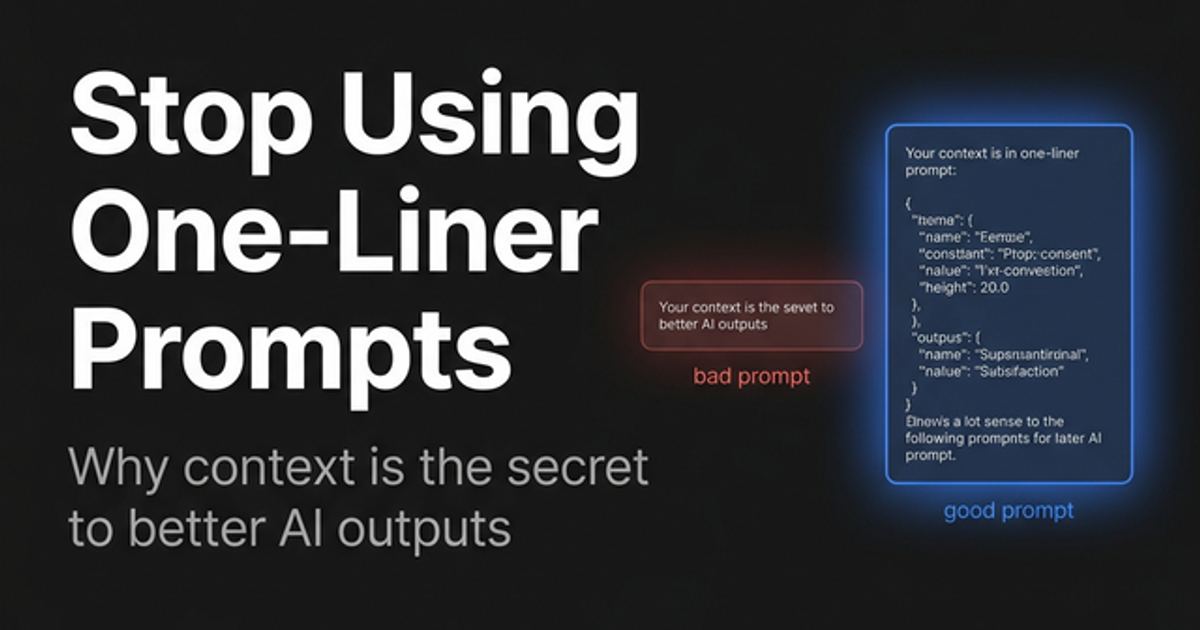
The difference between a one-liner prompt and a context-rich prompt is not subtle. Here is an example of the same request written both ways.
Weak prompt:
Write an email asking for a project extension.Context-rich prompt:
I'm a freelance UX designer. I have a client who hired me to design a mobile app
for their restaurant. The original deadline was two weeks away, but the client
added a new screen scope (loyalty program) three days ago without adjusting
the timeline. I have a good relationship with this client — they're easy to work with.

Write a professional but direct email requesting a 10-day extension. Tone: respectful,
not apologetic. The email should make clear that the scope change is the reason for
the request, not a personal failing on my part. Keep it under 150 words.
The second prompt takes about 45 seconds to write. The difference in output quality is not marginal — the first produces a generic template you would have to rewrite anyway; the second produces something close to what you would actually send.
How Much Context Is Enough
There is no fixed answer, but there is a practical test: read your prompt back and ask whether a capable human assistant with no knowledge of your situation could do the task competently.
If the answer is no — if they would need to ask you clarifying questions before starting — then you have not provided enough context. Those clarifying questions are exactly the information gaps that cause the model to guess incorrectly.
The ceiling on context is token length (the model has a finite context window) and diminishing returns — at some point, additional detail stops materially changing the output. For most everyday tasks, you will reach “enough” long before you approach either of those limits.
If you are building prompts for recurring tasks, it is worth spending time once to develop a complete context-rich version, then turning it into a reusable template with placeholder slots for the parts that change each time. This is the architectural move that separates people who use AI occasionally from those who have genuinely integrated it into their workflow.
Context in Automated and Repeated Workflows
When context is embedded in prompts that run automatically — for content generation, data processing, customer communication — the stakes on getting it right are higher. A poorly contextualized prompt running 500 times per day produces 500 mediocre outputs per day.
In these situations, the cost dimension also becomes relevant. Rich context means longer prompts, and longer prompts mean more input tokens. If you are evaluating whether to include an additional paragraph of context in a system prompt that runs at scale, you need to know what that decision costs across your actual usage volume before committing. The LLM Cost Calculator makes this straightforward — you can model how different input token counts stack up across models (GPT-4o, Claude, Gemini) and usage volumes before you finalize your architecture.
The Structural Way to Think About Context
If you want a systematic approach rather than just “add more detail,” the structure covered in The Anatomy of a Perfect Prompt is the right frame. Context is one explicit component of a well-formed prompt — alongside role, task, format, and constraints — and each component constrains a different dimension of the output.
The shortest path to better outputs, if you have not structured prompts this way before: write the context as if you were briefing someone new on the project, not as if you were typing a search query. The shift in mental model alone will improve your average output quality more than any single technique.
If you want a structured environment to practice this, Prompt Scaffold provides dedicated input fields for each component — Role, Task, Context, Format, and Constraints — with a live preview of the assembled prompt. It is useful for understanding the structure when building it the first few times, and for ensuring you do not accidentally omit a component on prompts where the stakes are high.
One-liner prompts are not a shortcut. They are a way of outsourcing your thinking to the model’s guesses — and the model’s guesses will always be generic. The time you spend adding real context is never wasted. It is either returned to you immediately in a usable first draft, or saved across the ten iterations you would have needed to get there anyway.
Related reading:
- The Anatomy of a Perfect Prompt — The full six-component framework for structurally complete prompts, with worked examples
- Role Prompting: Give Your AI a Job Title — How role definitions work as a complement to context, and how to write ones that actually constrain output
- Prompt Scaffold — A structured tool for assembling prompts with dedicated fields for each component and a live preview